Travel Digital Safety: Avoid Scams, Theft & Takeovers
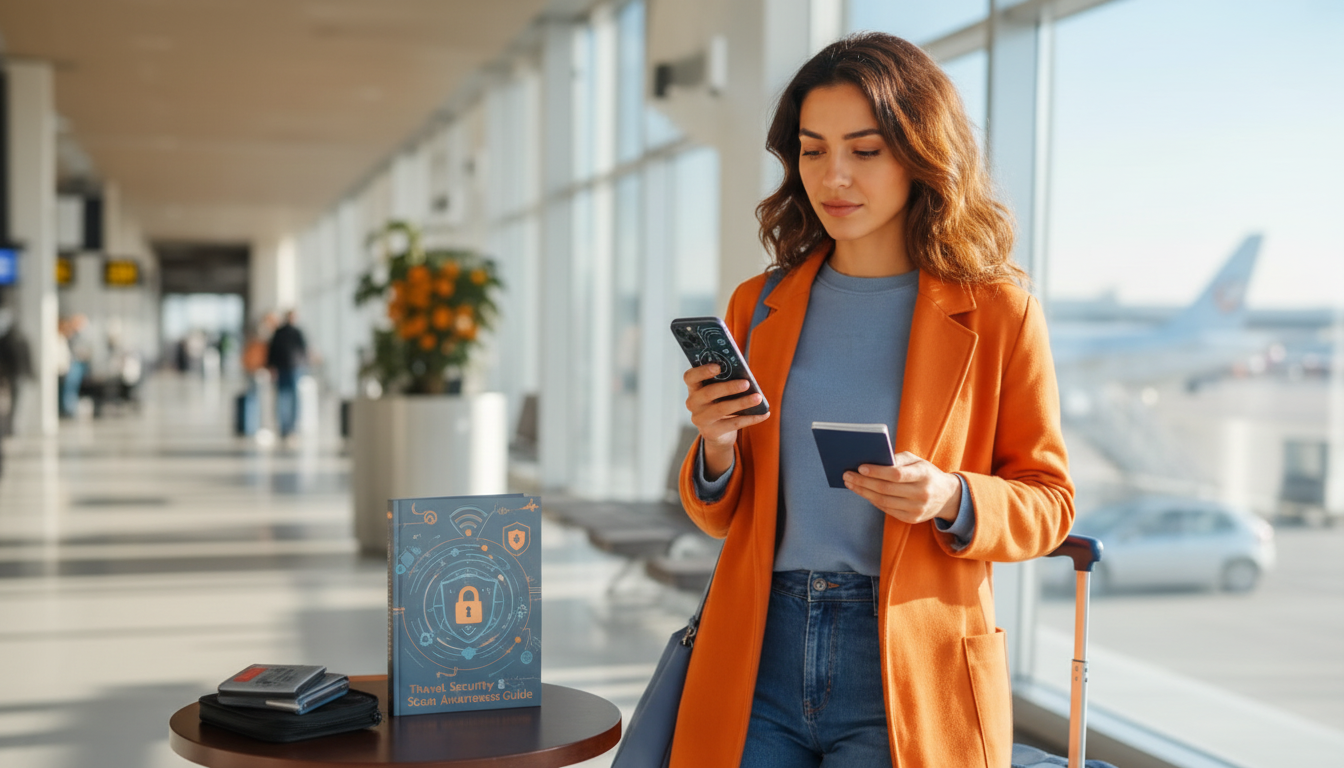
Travel Security & Scam Awareness: A Digital Safety Handbook for Tourists, Solo Travelers, and Business Trips
Travel risks have shifted: many of the most costly problems now start with a text message, a QR code, a “helpful” Wi‑Fi network, or a convincing impersonation. This guide organizes practical steps to reduce theft, fraud, and account takeovers before departure, during transit, and after returning—especially for solo travelers and professionals carrying sensitive data.
What Travel Security Looks Like Today
Modern travel security is less about obvious danger and more about small, fast decisions made in crowded, unfamiliar places. Common threats include device theft, SIM swapping, account takeovers, card skimming, fake booking messages, and social engineering at airports and tourist hubs. Travelers are targeted because time pressure is high, rules are unfamiliar, language barriers add friction, and phones now function as payment tools, navigation systems, boarding passes, and identity devices.
Risk spikes at predictable moments: arrivals (when you’re distracted), transit connections (when you’re rushing), crowded attractions (where bump-and-grab theft is easy), nightlife districts (where judgment and attention drop), and any time you receive “urgent” messages about reservations, fees, or “verification.” A good travel security plan reduces the number of ways you can be rushed into a bad click.
Pre‑Trip Setup: Lock Down Accounts and Devices
Most travel fraud is preventable with a short, deliberate setup routine before you leave. Start by updating your operating system, browser, and key apps; then remove unused apps to reduce your attack surface. Turn on a strong screen lock (PIN or passcode), enable full-disk encryption, and set auto-lock to a short interval so a snatched phone doesn’t stay open.
Enable multi-factor authentication (MFA) on email, banking, and travel accounts. When possible, use an authenticator app or hardware key rather than SMS, since SIM swapping and lost phones can expose texted codes. Consider creating a “travel email” used only for bookings and receipts so your primary inbox is less exposed to airline/hotel phishing and compromised vendor lists.
Back up your phone, record device identifiers (IMEI/serial number), and confirm you can use remote lock/wipe and “Find My” features. Finally, set a recovery plan: store backup codes offline, confirm trusted contact methods, and use a secure password manager so you’re not reusing passwords when you’re tired and on the move.
On the Move: Airport, Hotel, and Public Wi‑Fi Safety
Treat open Wi‑Fi as untrusted. If you can, use cellular data or your personal hotspot for anything involving logins, payments, or documents. When you must use Wi‑Fi, verify the network name (SSID) with staff—attackers often create lookalike networks such as “Free Airport WiFi” or “Hotel Guest” to capture traffic or trick you into revealing credentials.
Quick threat check: what to watch for and what to do
| Situation | Red flags | Best immediate action |
|---|---|---|
| Public Wi‑Fi sign-in | Captive portal asks for email password or bank login | Disconnect, use cellular data, change exposed passwords, enable MFA if not already |
| QR codes on posters/menus | Shortened links, urgent language, payment requests | Manually type official URL or use official app; avoid payment via unknown link |
| “Hotel front desk” call/text | Requests card details, OTP codes, or “verification” link | Hang up and call official number from booking site; never share OTP |
| Card payment terminal | Terminal moved out of sight or rushed tap/insert | Keep card in view; use contactless where available; monitor transactions daily |
| Phone stolen or missing | Device gone after crowd bump or distraction | Use Find My/remote lock; notify bank; change passwords; report to carrier for SIM lock |
Common Scams in Tourist Areas (and How to Exit Safely)
Solo Traveler Safety: Routines That Reduce Risk
Business Trip Security: Protect Work Data and Identity
If Something Goes Wrong: Immediate Steps After Theft or Fraud
Handle SIM risk immediately by contacting your carrier to suspend service and add SIM-swap protections. If you relied on SMS for MFA, move those accounts to authenticator-based MFA as soon as you regain control. File reports as needed: a local police report for insurance claims, embassy guidance for passport loss, and platform reports for online fraud. After returning, review statements, check for new device logins, and rotate passwords for accounts used during the trip. For additional official guidance, consult U.S. Department of State travel resources, the Federal Trade Commission’s scam advice, and Europol crime prevention information.
A Practical Handbook to Keep on Your Phone
Recommended digital guides (instant access)
- Travel Security & Scam Awareness Guide | Digital Safety Handbook for Tourists, Solo Travelers & Business Trips (digital download)
- The Ultimate Productivity Blueprint | Digital Productivity Guide for Goal Setting, Time Management & Daily Routines (helpful for travel planning, checklists, and routines)
FAQ
Is it safe to use public Wi‑Fi while traveling?
Public Wi‑Fi can be risky due to fake hotspots and interception, especially on open networks. Use cellular data or a personal hotspot for sensitive logins, verify the exact network name with staff, and disable auto-join so your phone doesn’t connect without you noticing.
What should be done first if a phone is stolen abroad?
Lock or wipe the phone remotely and secure your email account immediately, since email controls most password resets. Then contact your carrier to suspend service (to reduce SIM-swap risk) and freeze cards or digital wallets tied to the device while you document details for police and insurance.
How can business travelers reduce the chance of account takeover during trips?
Use strong MFA (authenticator app or hardware key), a password manager, and separate work from personal accounts/devices when possible. Be cautious with “updated meeting links” or invoices, and keep screens and conversations private in airports, taxis, and hotel lobbies.












Leave a comment